
No hay productos en la cesta.



Envío gratuito
Garantía de devolución del dinero
Embalaje discreto
Pagos seguros
Description
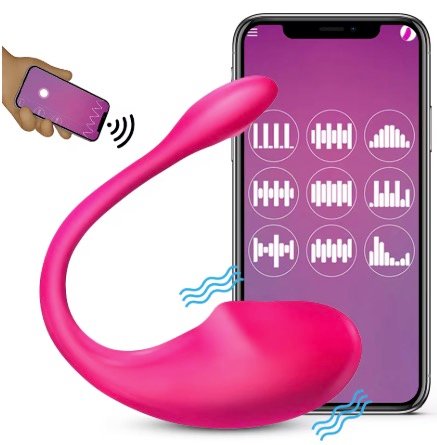
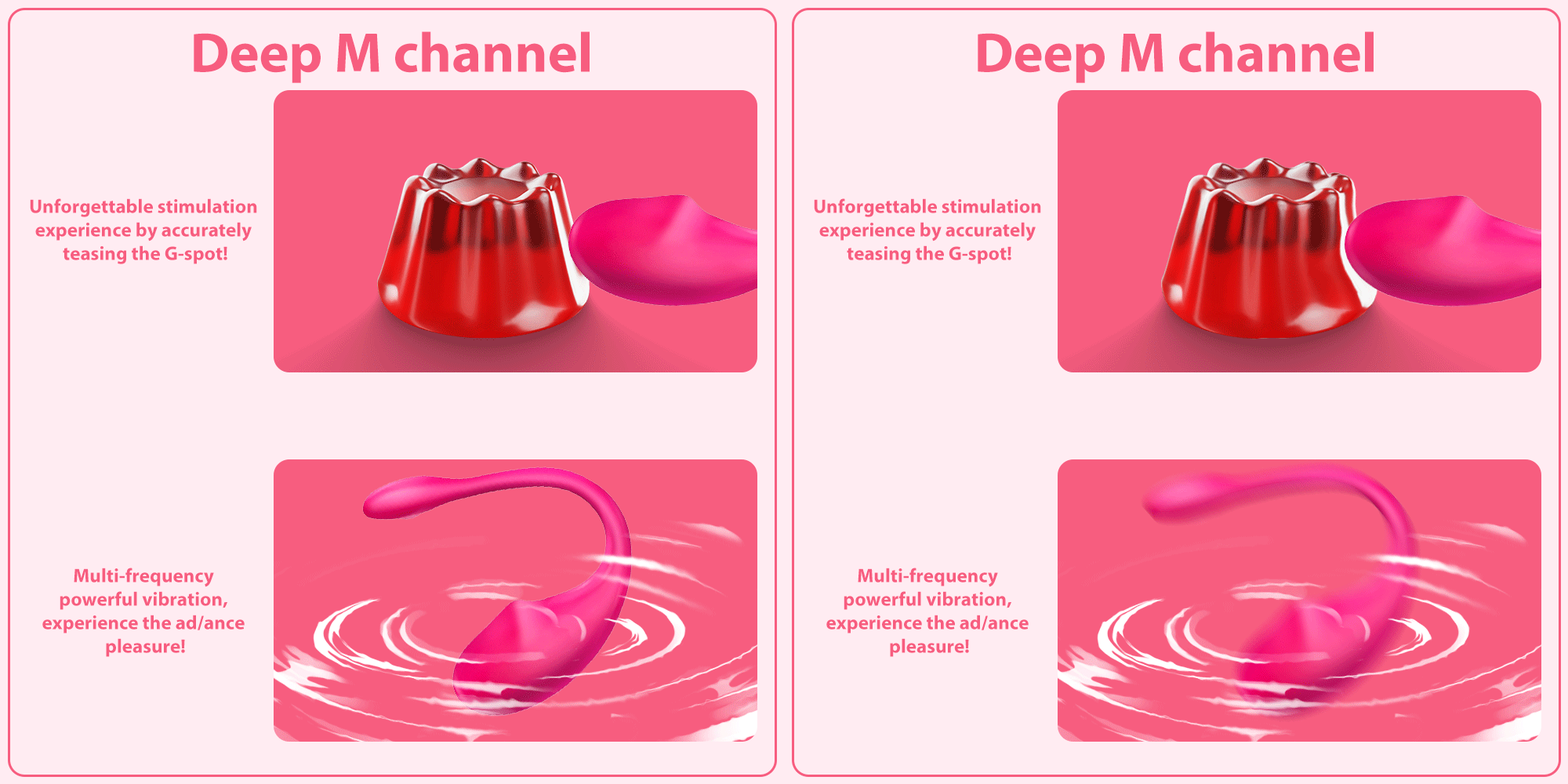
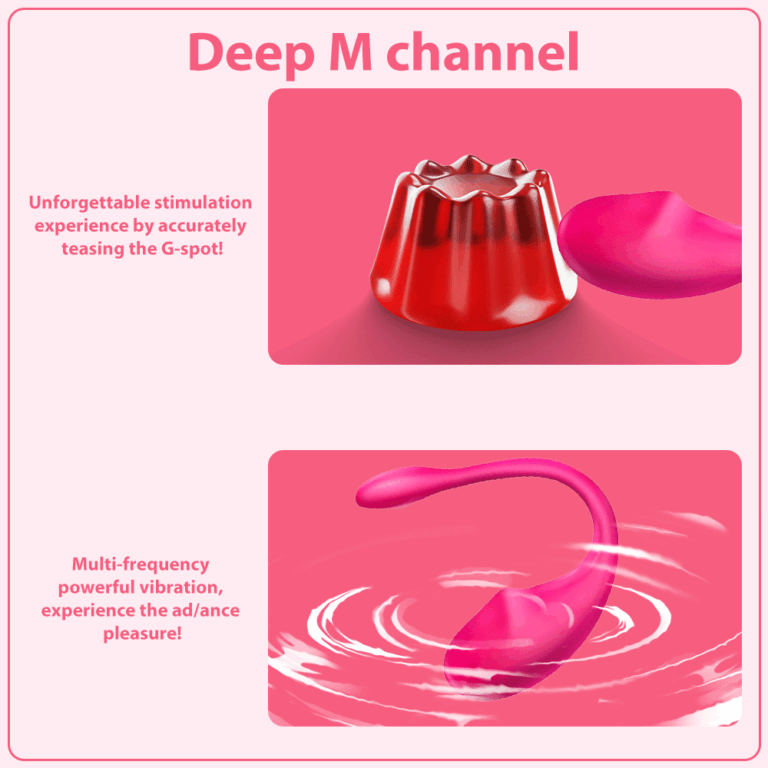
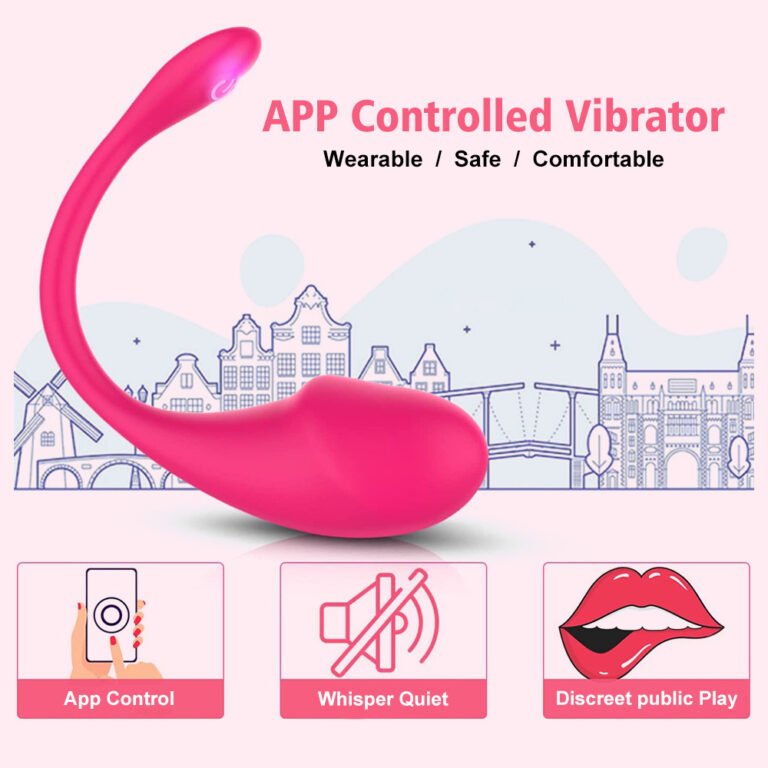
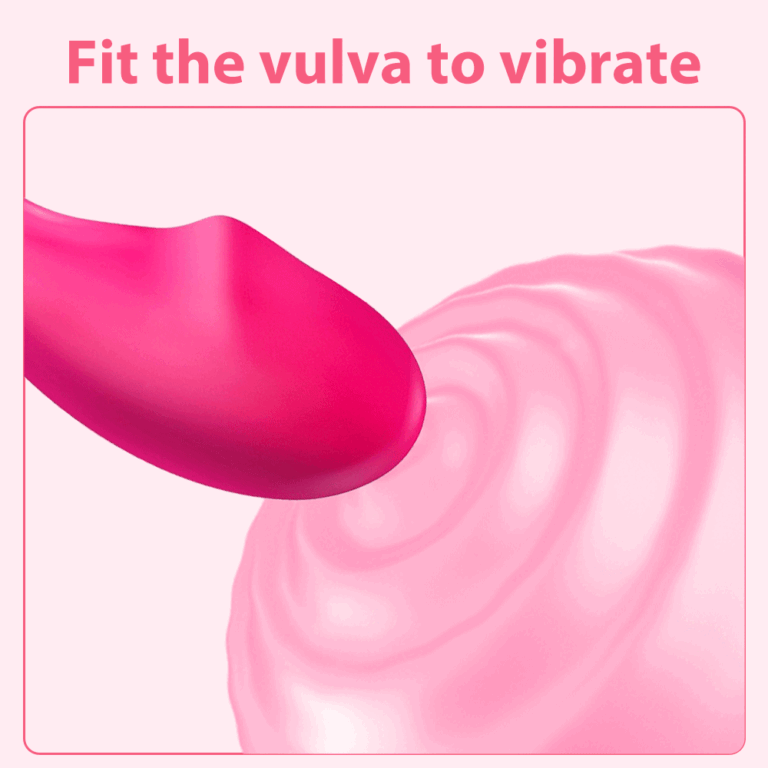
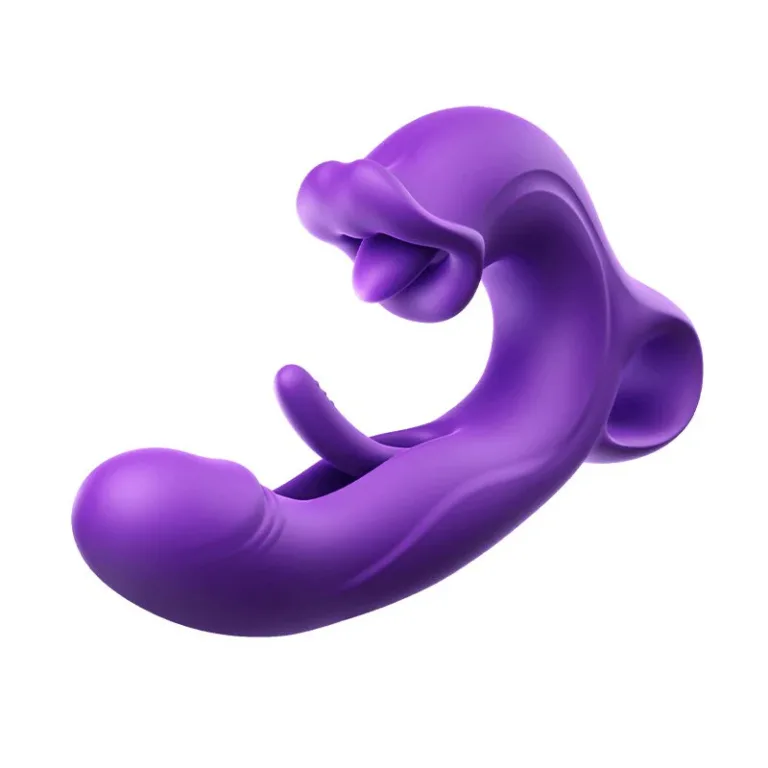
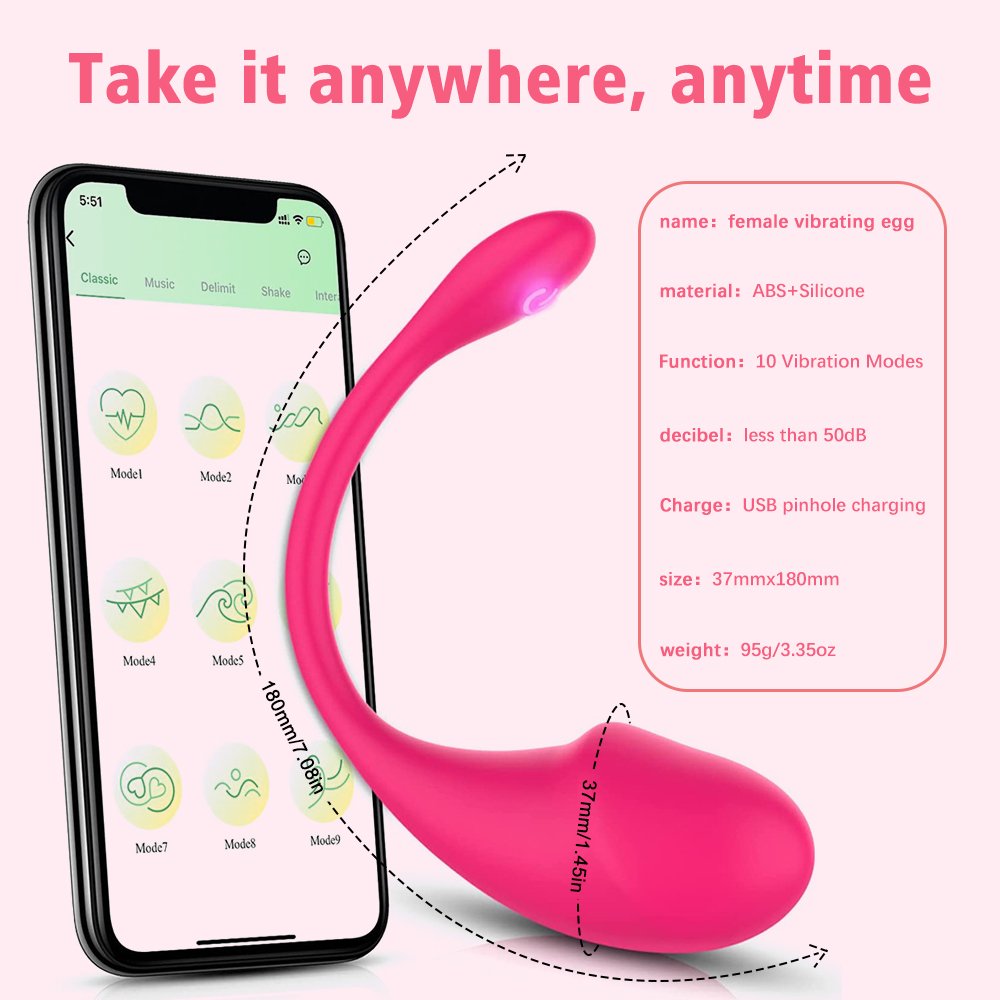
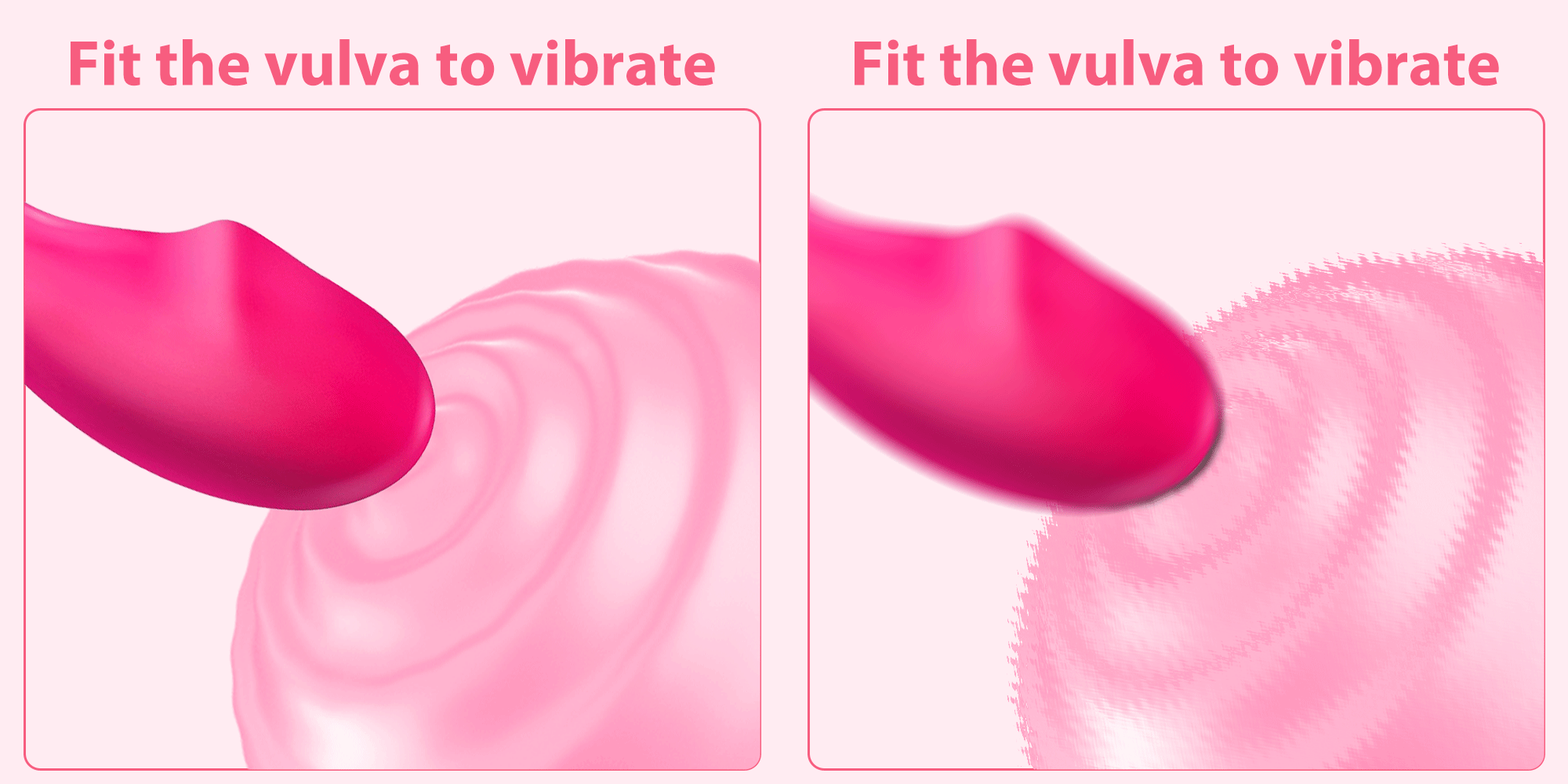
This 10-speed, wearable vibrating egg is designed for vaginal and G-spot stimulation. It features Bluetooth APP control, making it perfect for long-distance play, and is an ideal adult sex toy for women and couples
Key Features
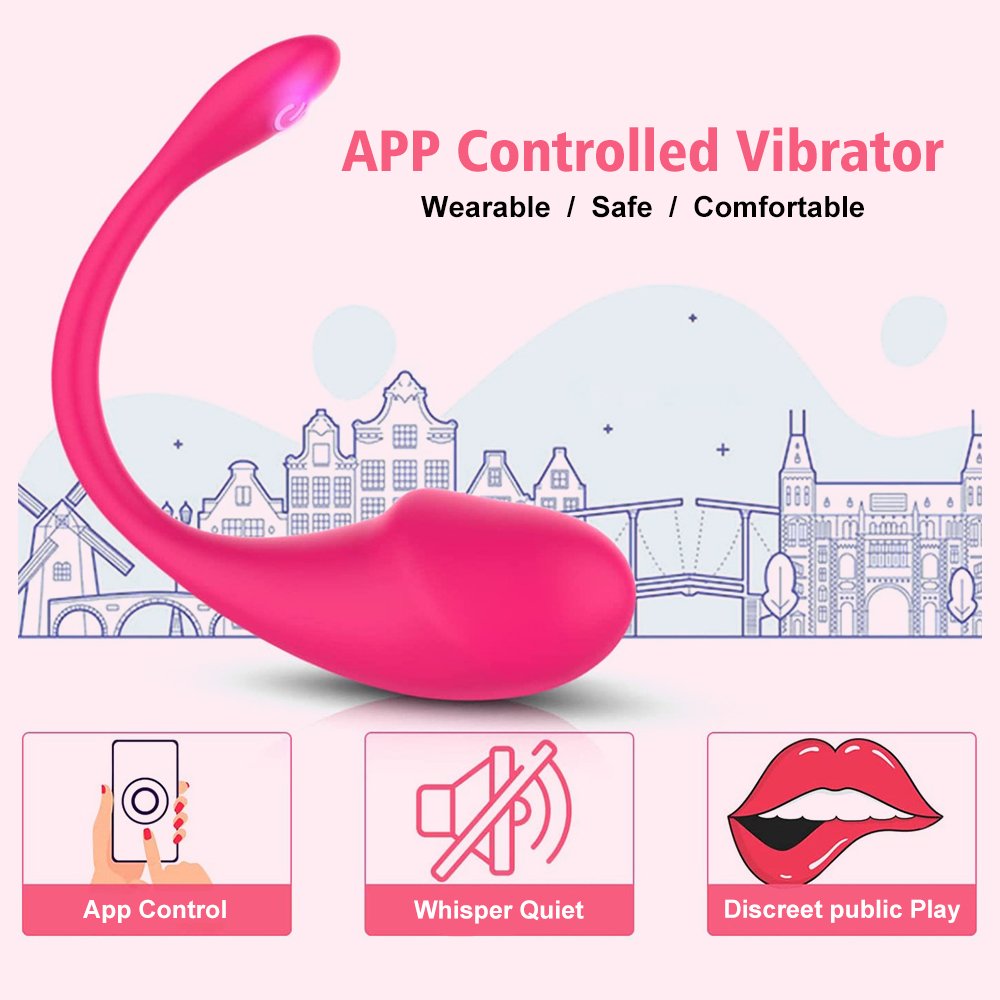
Smart App Control
The vibrator connects to the “Love Spouse” app via Bluetooth, compatible with both iOS and Android devices.
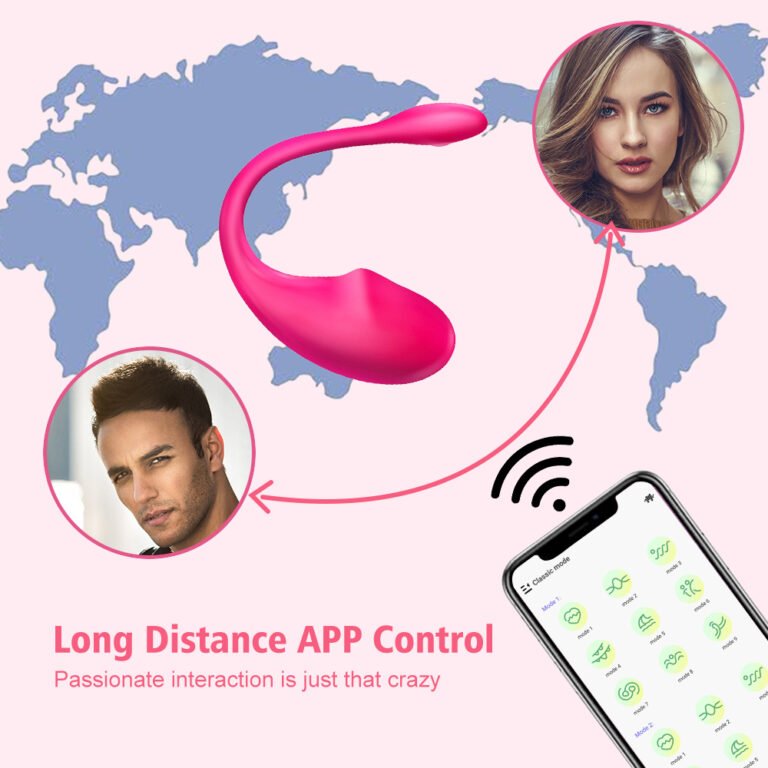
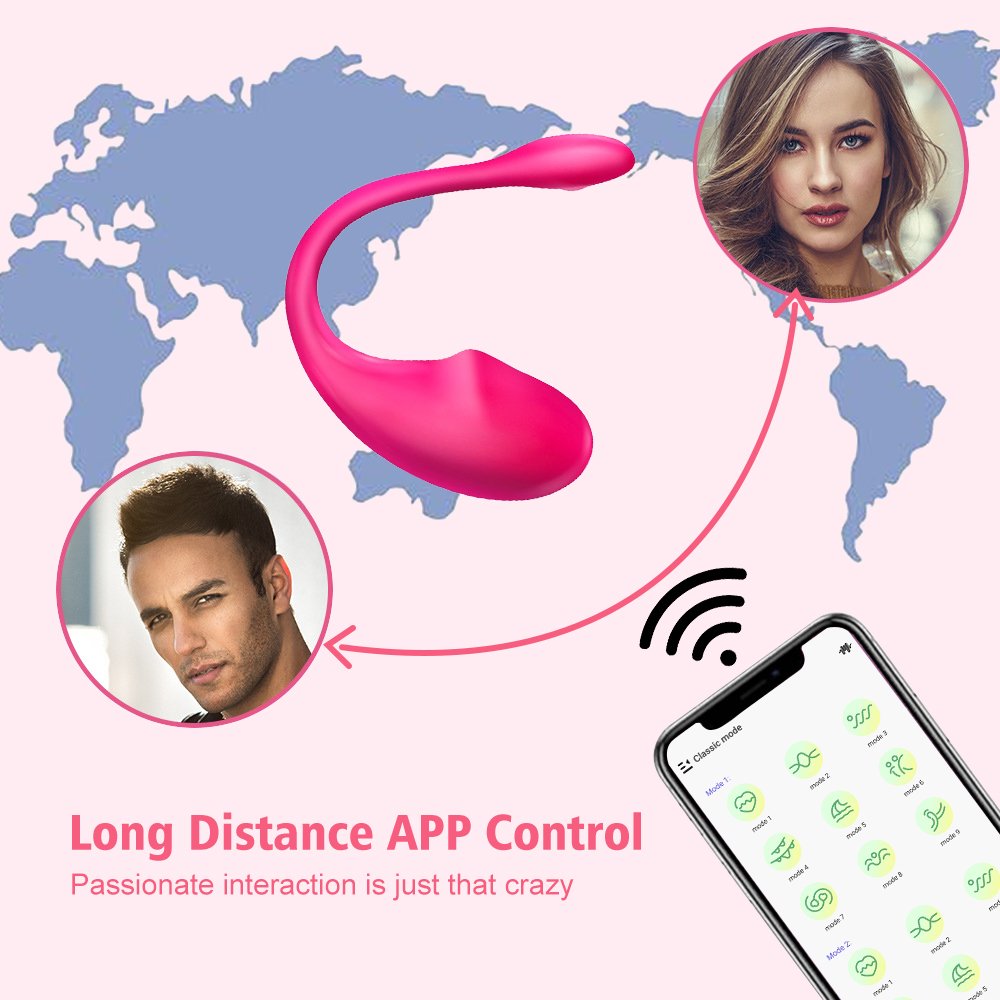
Experience total control at your fingertips.Long-Distance Play
Use the app to control the vibrator remotely, even if you’re miles apart. Video call your partner and share the toy’s controls for intimate play anywhere with an internet connection.
Perfect for maintaining a connection, even from a distance.Premium Materials
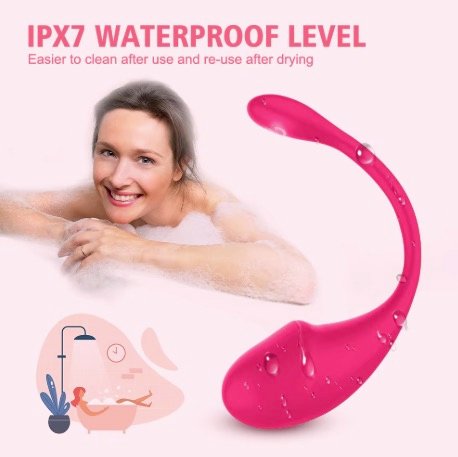
Made from body-safe silicone, this vibrator is latex and phthalates-free. The soft, realistic texture ensures a comfortable experience, while the firm design allows for easy insertion.
Safe, durable, and comfortable for you.Discreet Packaging & Privacy
We take your privacy seriously. Our products are delivered in discreet packaging to ensure a confidential experience.
Your privacy is our priority.
How to Use
No App Control Mode
- Press and hold the power button for 3-5 seconds to turn the vibrator on.
- Short press the power button to increase the vibration mode.
APP Control Mode
Download & Set Up:
- Scan the MIREA AI QR code to download the app (or search “Love Spouse” in the app store).
- Register as a new user and save your account details.
Connect to the Device:
- Turn on the vibrator by long pressing the power button.
- Ensure Bluetooth is enabled on your phone.
- Open the app and click “My Model” to automatically search for the device.
- After the device is found, click “Connect” to pair the vibrator.
- Wait for the confirmation screen to indicate a successful connection.
Control the Vibration:
Use the app to control the vibration settings as desired.How to Use
No App Control Mode
- Press and hold the power button for 3-5 seconds to turn the vibrator on.
- Short press the power button to increase the vibration mode.
APP Control Mode
Download & Set Up:
- Scan the MIREA AI QR code to download the app (or search “Love Spouse” in the app store).
- Register as a new user and save your account details.
Connect to the Device:
- Turn on the vibrator by long pressing the power button.
- Ensure Bluetooth is enabled on your phone.
- Open the app and click “My Model” to automatically search for the device.
- After the device is found, click “Connect” to pair the vibrator.
- Wait for the confirmation screen to indicate a successful connection.
Control the Vibration:
Use the app to control the vibration settings as desired.
Partner Control
- Your partner should download and register the “Love Spouse” app.
- Share control by clicking the “Share” button in the app and selecting the preferred sharing method (WeChat, Facebook, etc.).
- Your partner can now control the vibrator remotely.
Safety & Care
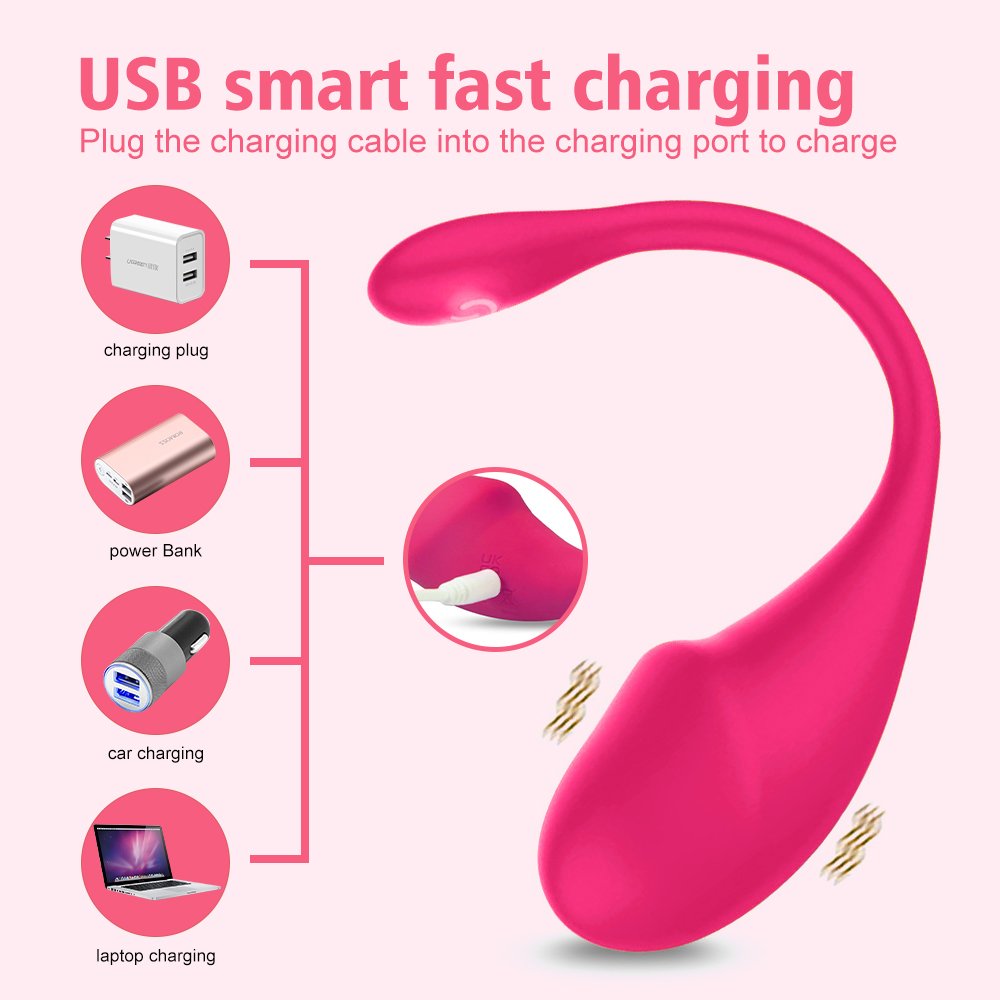
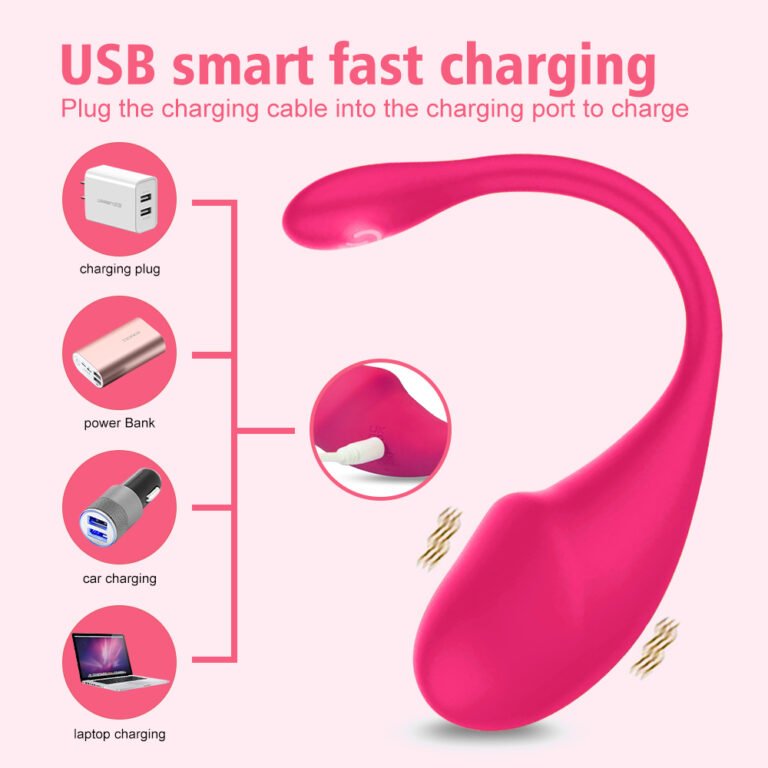
- Do Not Turn On While Charging: For safety, the vibrator cannot be turned on during charging.


Reviews
There are no reviews yet.